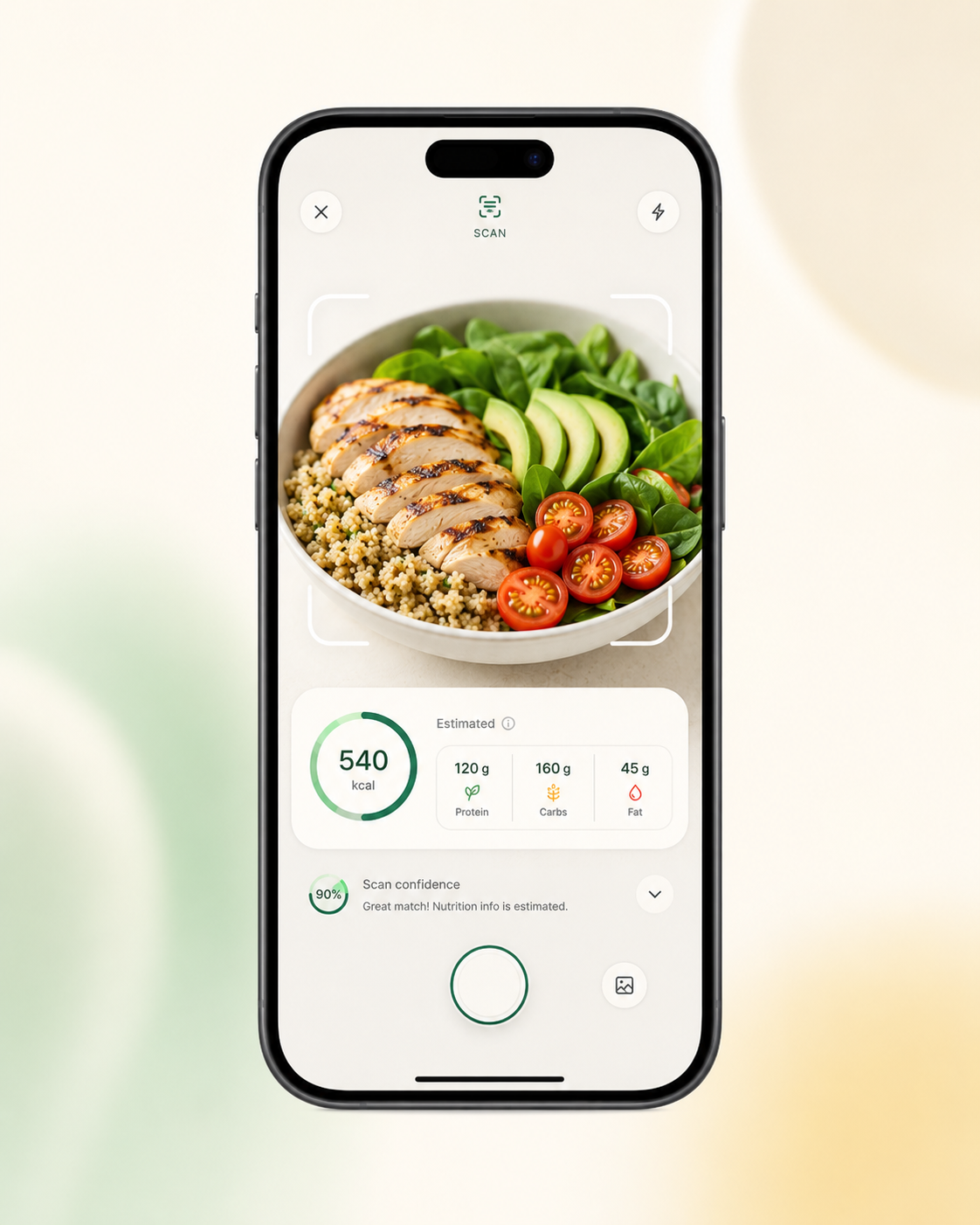
01Scan


Take a photo of your meal, review its estimated nutrition and make food logging part of your everyday routine.
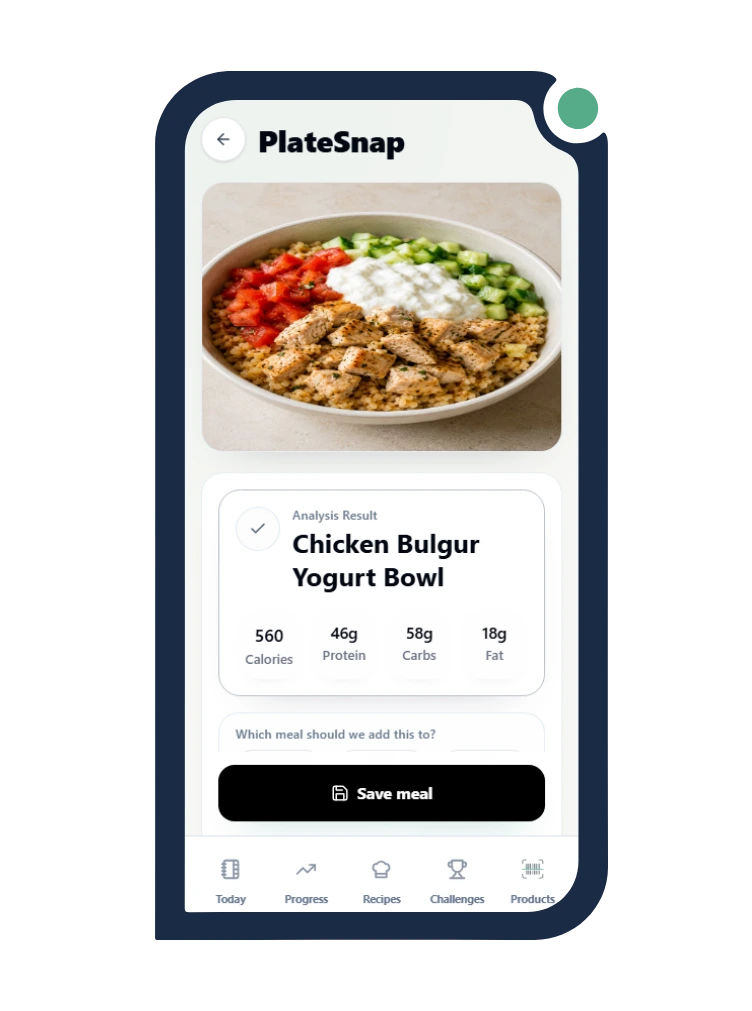
See the path from a meal photo to information you can review before saving.
01Scan
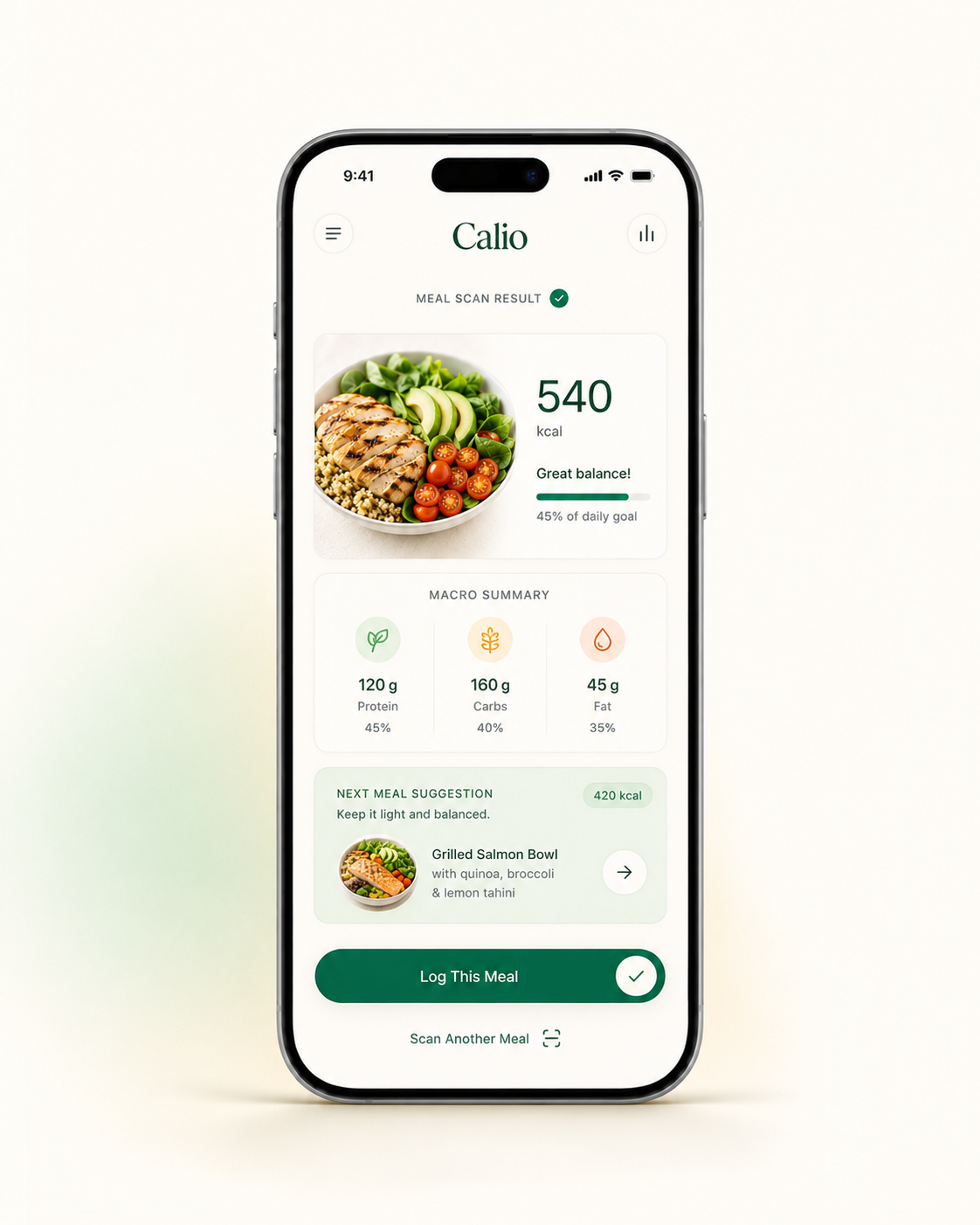
02Review the estimate
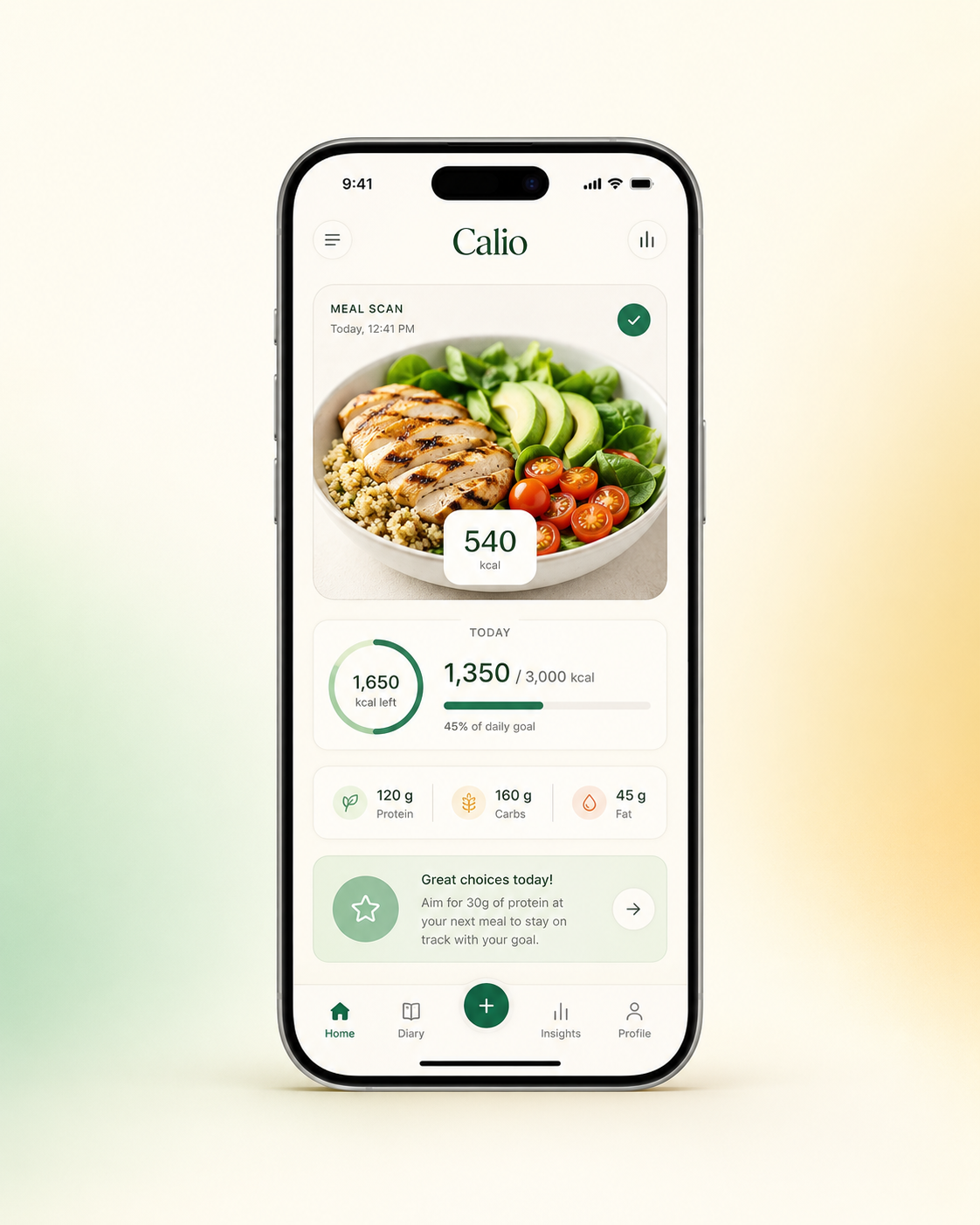
03Save to your day
Motion is reduced. The three Calio product stages are shown as static visuals.
Start your meal entry with a photo instead of typing every ingredient from scratch.
Review estimated calories, protein, carbohydrates and fat for your meal.
Save your reviewed meal and see how it fits into your daily nutrition overview.
Educational walkthrough using real Calio product screens — no live analysis is performed here.
Begin with a meal photo.
Look over the starting estimate before saving.
Review the estimated calorie and macro picture.
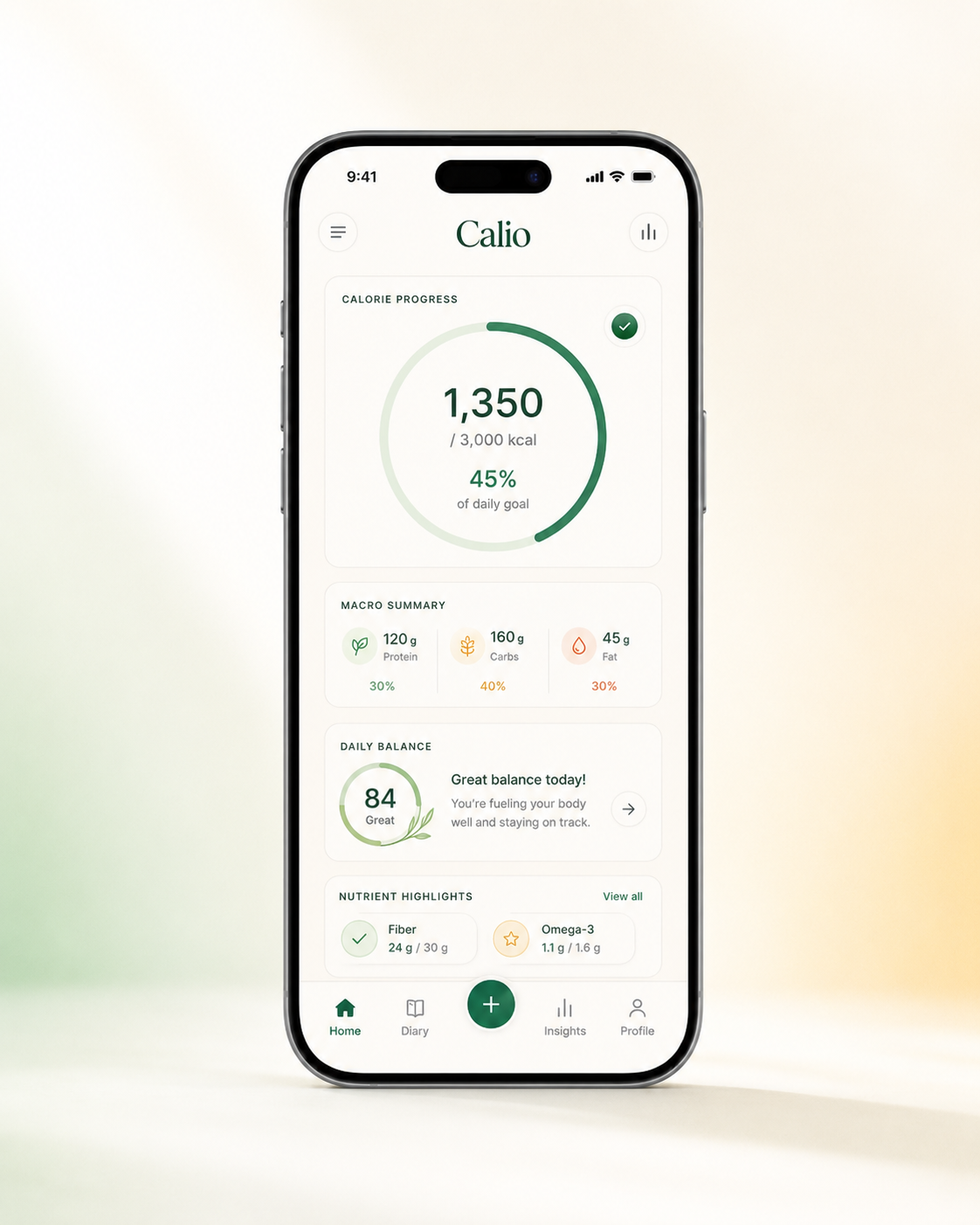
Keep the reviewed entry in your daily overview.
Photo-based nutrition estimates can vary with portion sizes, ingredients and preparation methods. Review the suggested information before saving so the record reflects your meal as closely as possible.